Since my last blog article which related my experiences with various iPad drawing implements I’ve been sent several new items to test. Two have the standard rubber tip - but are at opposite ends of the price scale - and two are pressure-sensitive - something I’ve lusted after for a long time.

Here they are, on the left is the Dagi stylus which was my favourite after the last review. Then there’s the Jukestyle, Cross Tech3, Pogo Connect and Hex3 Jaja.
 First up, the Jukestyle. At $10 there aren’t many cheaper. The rubber tip is the same as most others and glides nicely over the screen. It can be pulled apart to reveal a biro - and joining the two pieces together makes the otherwise very short stylus a better length - great if like me, you like to hold your pencil quite far from the tip. The ink refill is a short, screw-in type which I’ve not seen before but I dare say a bit of Googling will find a replacement. The slim pen is nice to hold and a decent buy for anyone looking for a cheap and compact solution.
 Rather more up market is the Cross Tech3. I’m not sure the pen lives up to the quality of the smart box it comes in - or the price tag (£30-£60). It’s just not very beautiful in my eyes. It is however, nice to have a stylus shaped like a normal pen and also, jolly useful. With the standard rubber stylus tip on one end, twisting the cap reveals a 0.5mm propelling pencil, a black biro and a red biro too. Not only that but the rubber tip can be unscrewed to reveal an eraser. It’s quite weighty and I found the highly polished surface a bit hard to hold on to while sketching - I tend to prefer lighter drawing and writing tools. To sum up, it’s probably better suited to a smart business person rather than a scruffy sketcher like me (who is particularly fussy about his drawing tools!)
On to the pressure-sensitive styluses. I’ve been using Wacom tablets with this feature on desktop machines for years but this is the first I’ve tried on an iPad. Pressure-sensitivity allows you to use pen pressure to vary your line thickness and opacity just as you can with real pens and pencils.
 The £55 Pogo Connect is well made, with a brushed aluminium finish which gives good grip without being too heavy. It transmits the pressure information to the tablet using Bluetooth - and for that reason there’s a AAA battery inside it. Theres also a single button with an embedded light.
The Pogo Connect is perhaps one of the best supported of this sort of stylus and was suitable for my favourite drawing apps (currently Procreate and Adobe Ideas) and many more. It has the same rubber tip as those previously but the clever thing here is that it’s held in place magnetically - so should it ever wear through, you can buy replacements. The button can be set to provide a shortcut to the most common tools, like undo, and in most apps the coloured light would change colour to the colour you were using. It’s clearly a well thought out, quality product and I really wanted to like it but I didn’t find it pleasant to draw with for two reasons. Firstly, it took quite a lot of pressure to get the full range of stroke thicknesses and as you pressed more firmly the rubber tip would glide less well. (UPDATE: It seems the latest app update may have cured this - it certainly feels much better now and is nice to draw with. The update hasn't cured the next bit though...) Secondly, there’s a slight bug, which is that if you start to draw on the screen very lightly, using just the weight of the pen, it won’t leave a mark. If however you press a little harder first and then lift off to the very light pressure - it does work! It may be something they can fix but for now it’s the sort of thing that puts me off using it. If I touch a stylus to the screen I want it to make a mark!

The final stylus is the Hex3 Jaja ($90). Unlike the other pens in this review, the tip has a small disk similar in style to the plastic one on the Dagi - but made of teflon. I much prefer these over the rubber tips as they don’t obscure your line and glide better - but do make a small tapping noise on the glass.
Constructed with a mixture of gun metal coloured brushed aluminium, orange plastic and with a rubber grip it looks very high-tech. It’s also the longest stylus I’ve tried - a good thing in my books. Like the Pogo it uses a AAA battery - but not for Bluetooth - apparently it uses inaudible high-pitched sound to transmit the pressure info to the tablet. I can’t tell you if it’s annoying to animals as my cat is deaf. UPDATE: My eleven year old son can hear it from the next room!!!
I really enjoyed drawing with it. The tip glides very well even with quite firm pressure. There are two buttons on the side which can be set to perform useful in-app functions. I haven’t used it long enough to see how long the battery lasts but it’s a pleasure to use - by far the best I’ve tried. The only thing that’s missing for me at the moment is compatibility with Adobe Ideas.
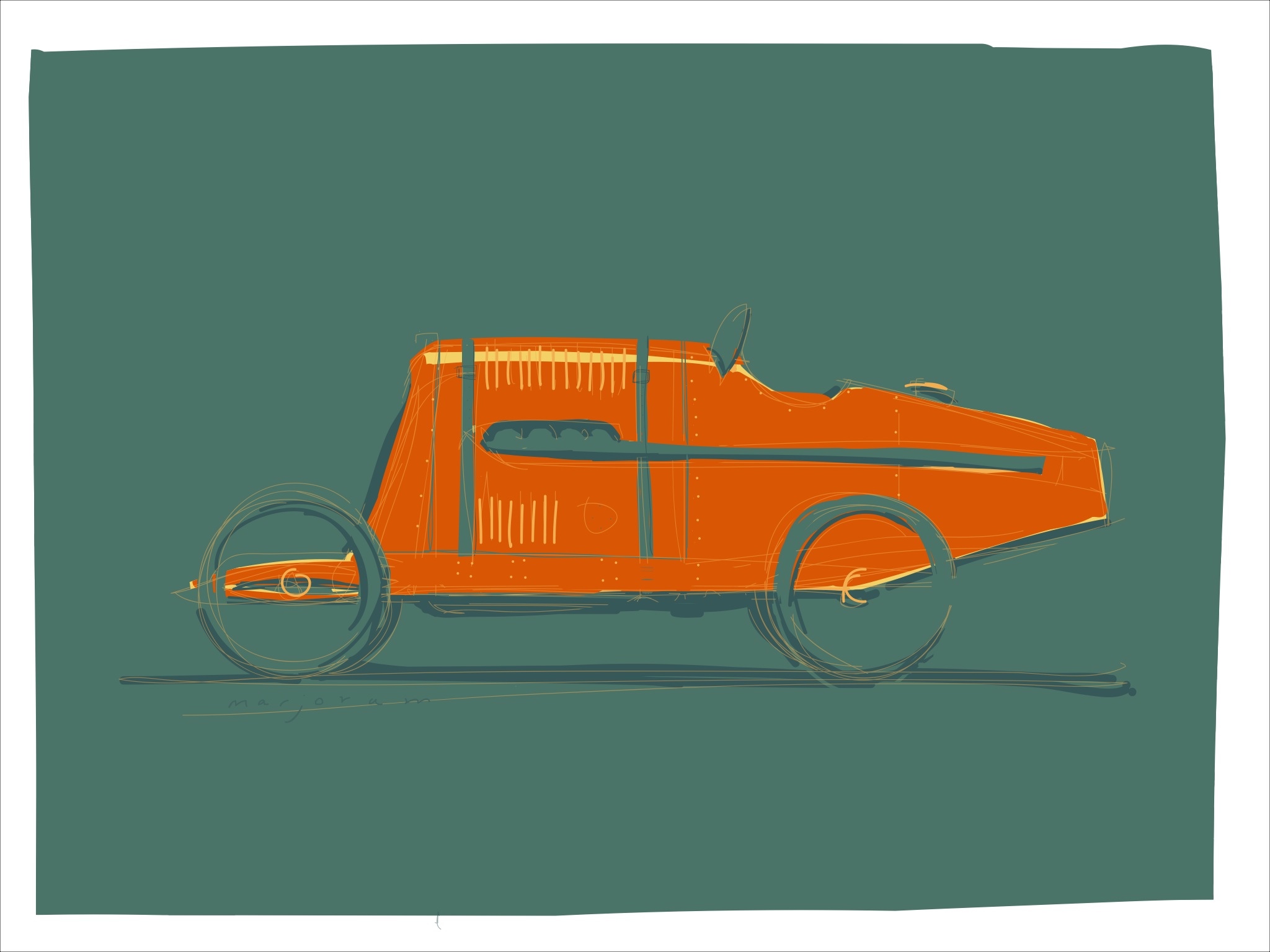
The ability to draw using different line thicknesses without having to go to a menu speeds up the sketching process enormously. Also, the varied strokes that a stylus like this make are usually far more interesting than a drawing where every line has the same thickness. Below are a couple of quick sketches done from life using the Hex3 Jaja and the Procreate app. I’ll let you know how it goes in the long run...
UPDATE: Battery didn't last as long as expected - perhaps 3 or 4 hours of continuous use. I'll try to keep track of how long the next one lasts and perhaps invest in a set of rechargeables. Also, occasionally you'll get a blip where it briefly draws at maximum pressure, perhaps caused by a noise created by the pen on the glass? - but it doesn't happen often enough to put me off using it.
UPDATE: Battery didn't last as long as expected - perhaps 3 or 4 hours of continuous use. I'll try to keep track of how long the next one lasts and perhaps invest in a set of rechargeables. Also, occasionally you'll get a blip where it briefly draws at maximum pressure, perhaps caused by a noise created by the pen on the glass? - but it doesn't happen often enough to put me off using it.